

For clubs
Attract new students today
Get more leads with a ready-made club page, CRM for student management and convenient online booking with class payment.
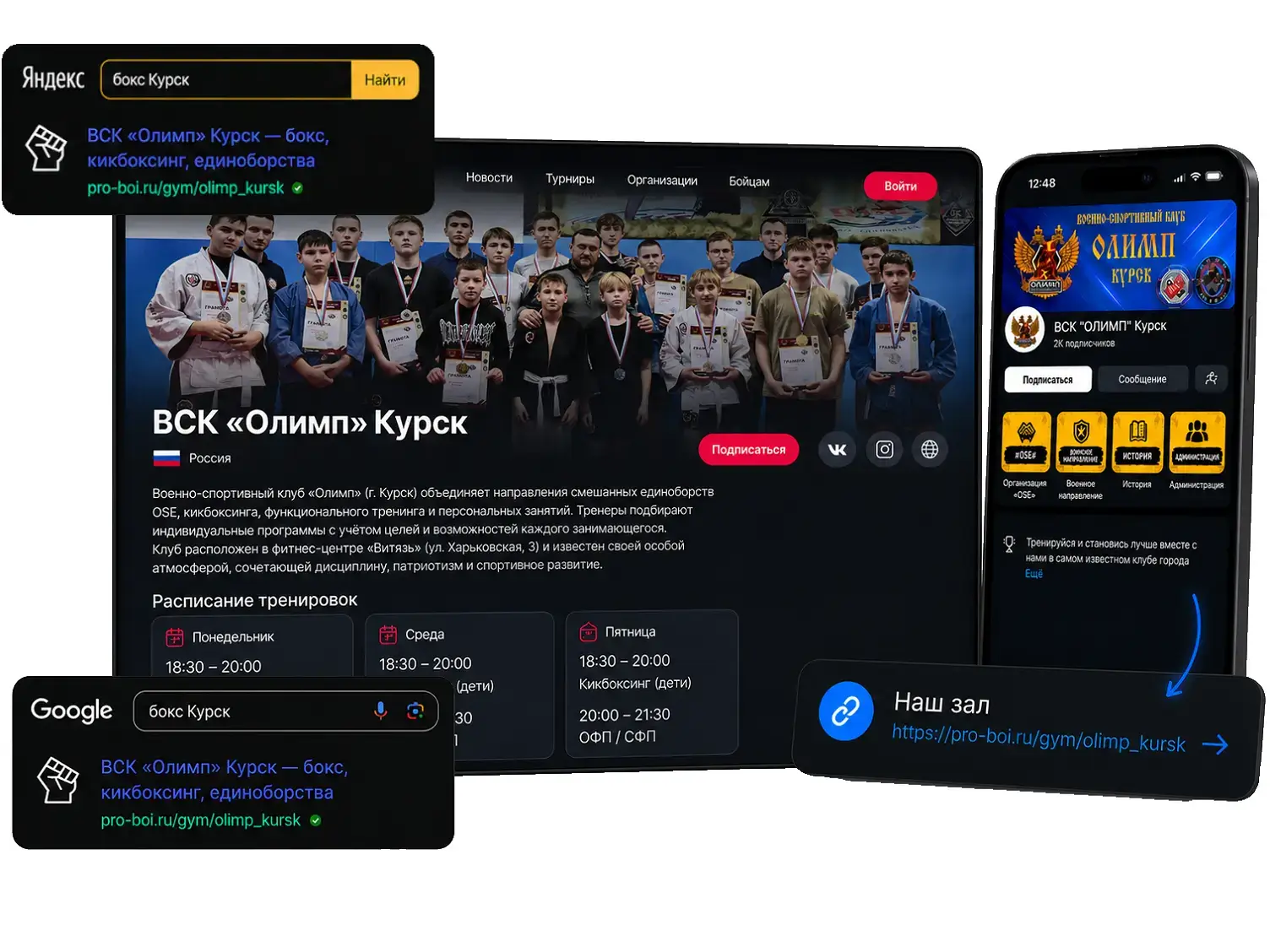
Create your gym’s online presence in 5 minutes
- 1
Register your club
Enter your tax ID – the address and legal details are filled in automatically, then add the name and contacts
- 2
Fill in the page
Photos, programs, schedule, coaches and contacts – all in the club dashboard
- 3
Get a personal link
Your club page will be found on Yandex and Google, and the link can go to your social media
See what your club link will look like
Your future link
https://pro-boi.ru/gym/...
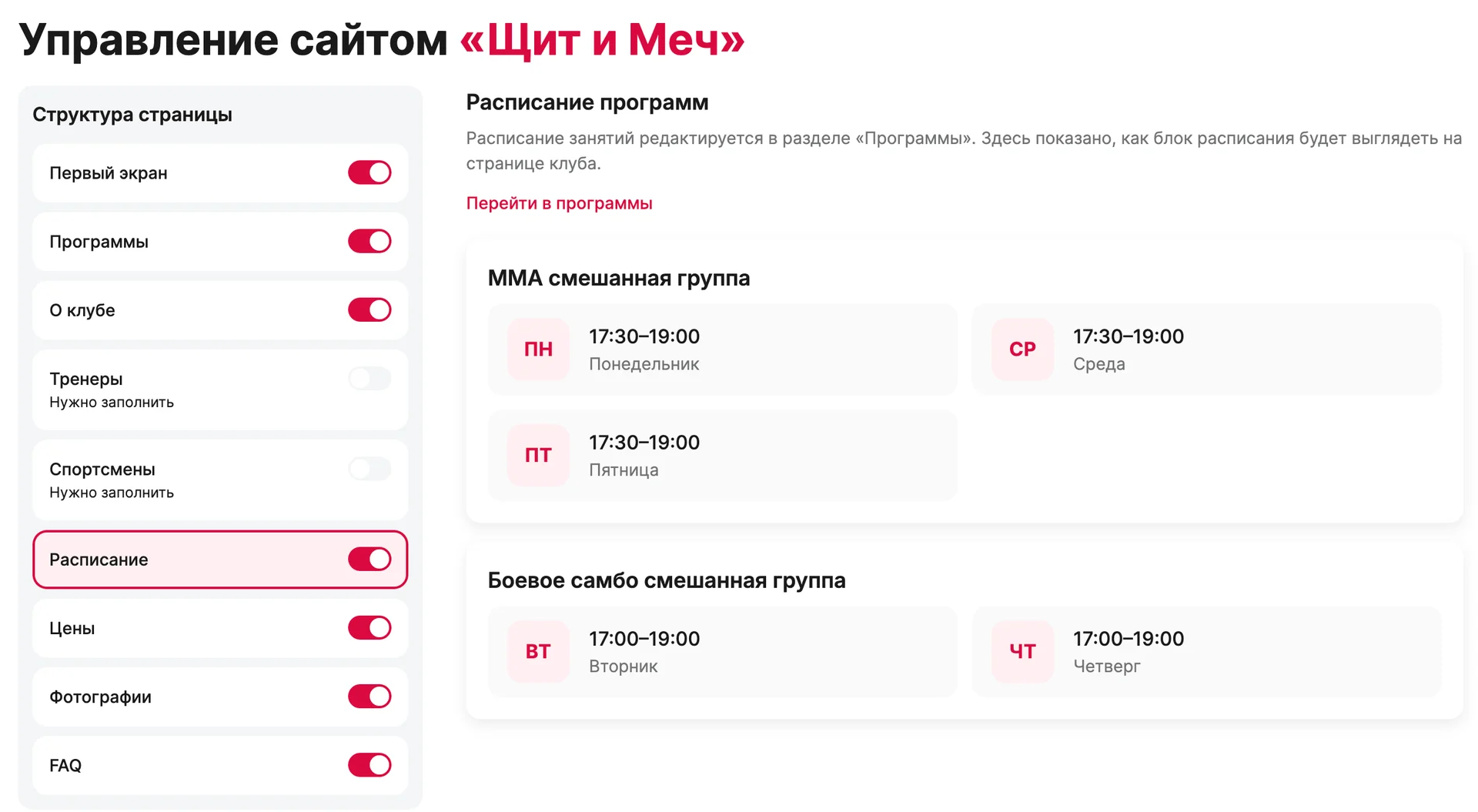
Build the club site like a constructor
Switch on the sections you need, upload a cover and a logo, add social media links. Every change is visible on the club page right away.
Sections are enabled with one toggle: programs, coaches, athletes, schedule, prices, photos and FAQ
Cover, logo and accent color to match the club style
Links to VK, Telegram, Max and your own website
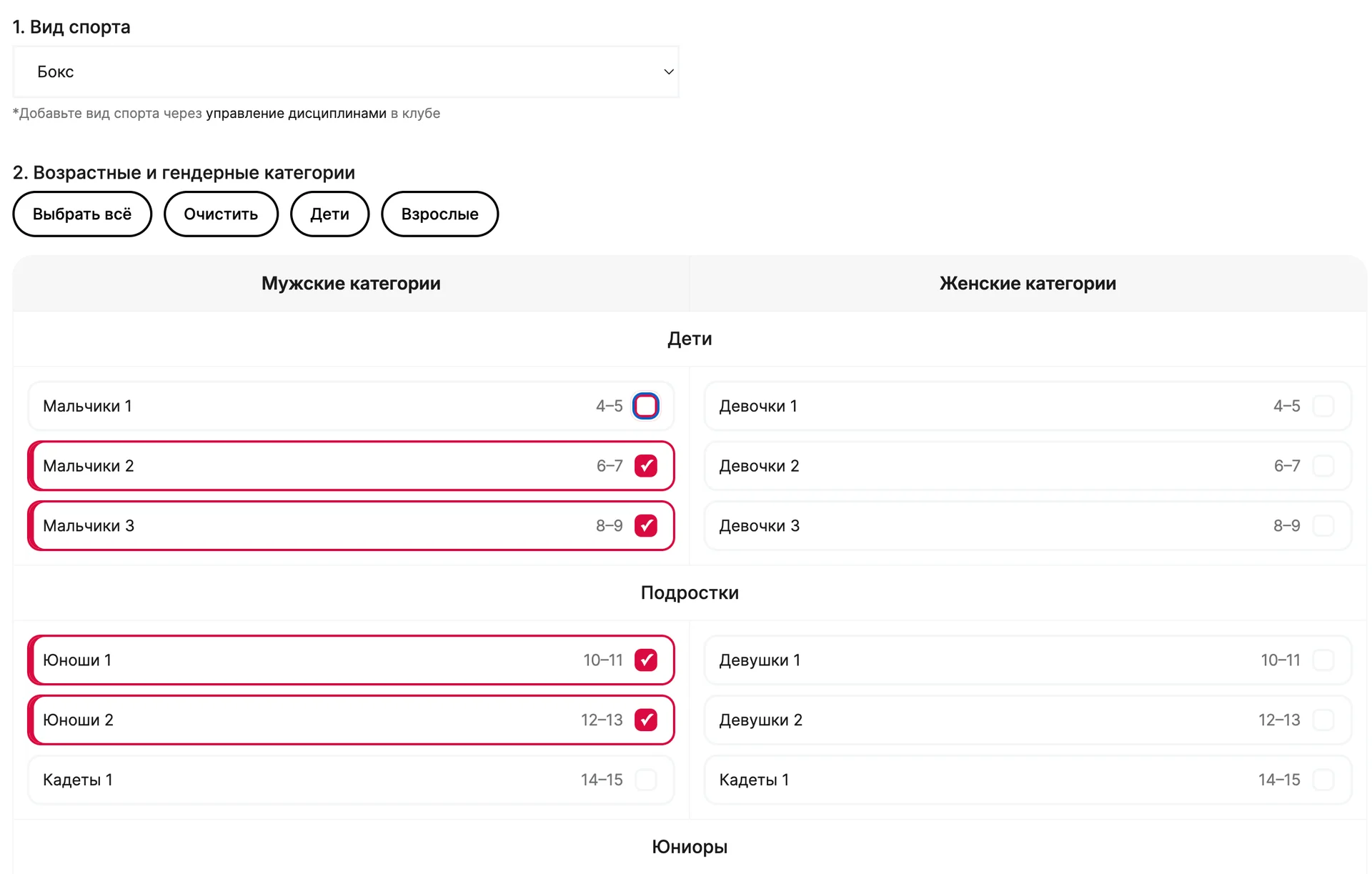
Create programs in a couple of steps
Sport, age and gender categories, skill level, prices and memberships – all in one form. The data goes to the program card, map filters and the schedule.
Ready-made age categories from 4–5 years to veterans 60+
Trial session, single visit and memberships by sessions or by period
Sessions by weekday with a hall and a coach
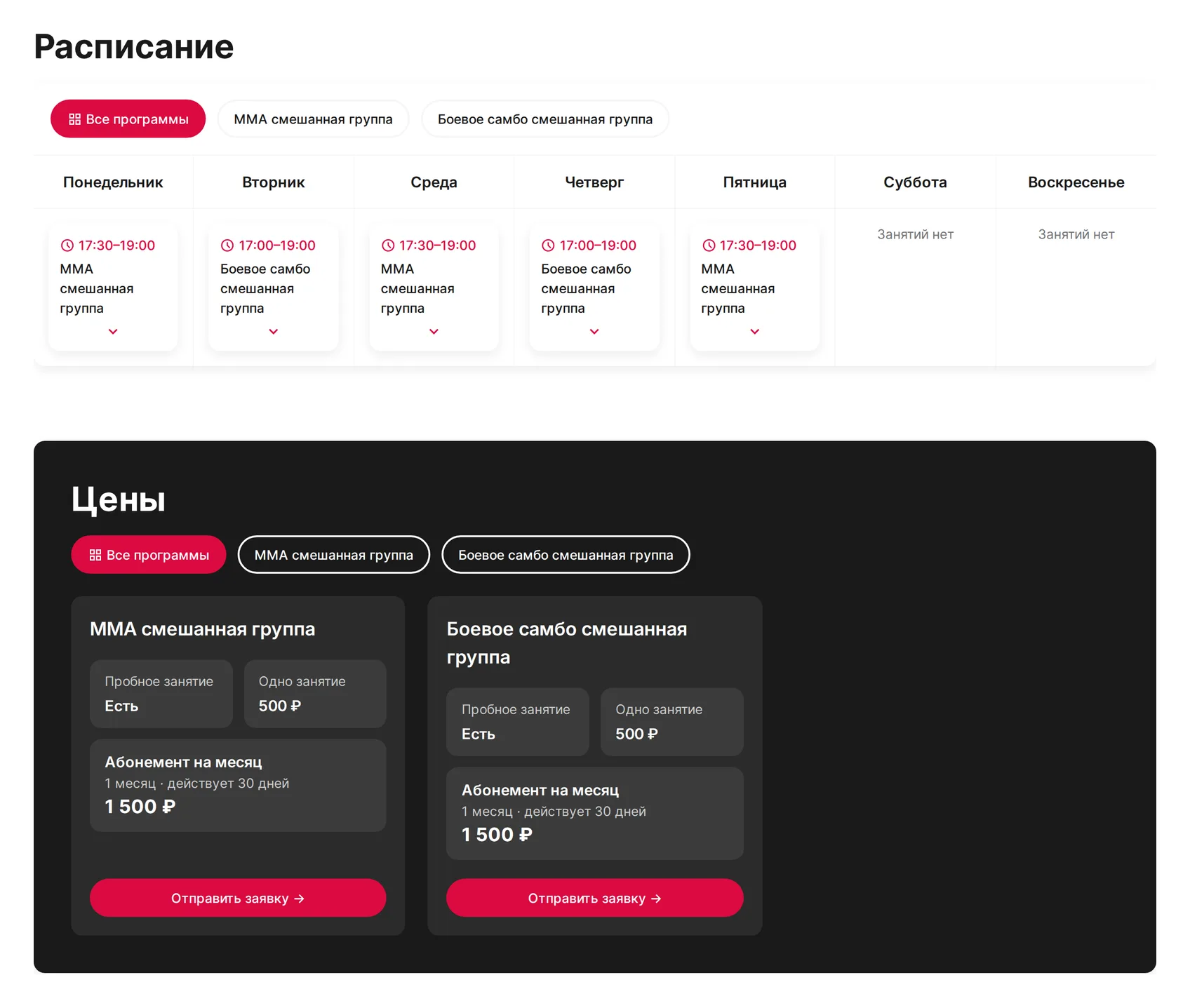
Add your training schedule
Create programs and sessions by weekday. The schedule, prices and memberships will appear on the club page, so students will not have to call to check them.
Programs by sport, age and skill level
Sessions with time, hall and coach
Trial session, single visits and memberships in the Prices block
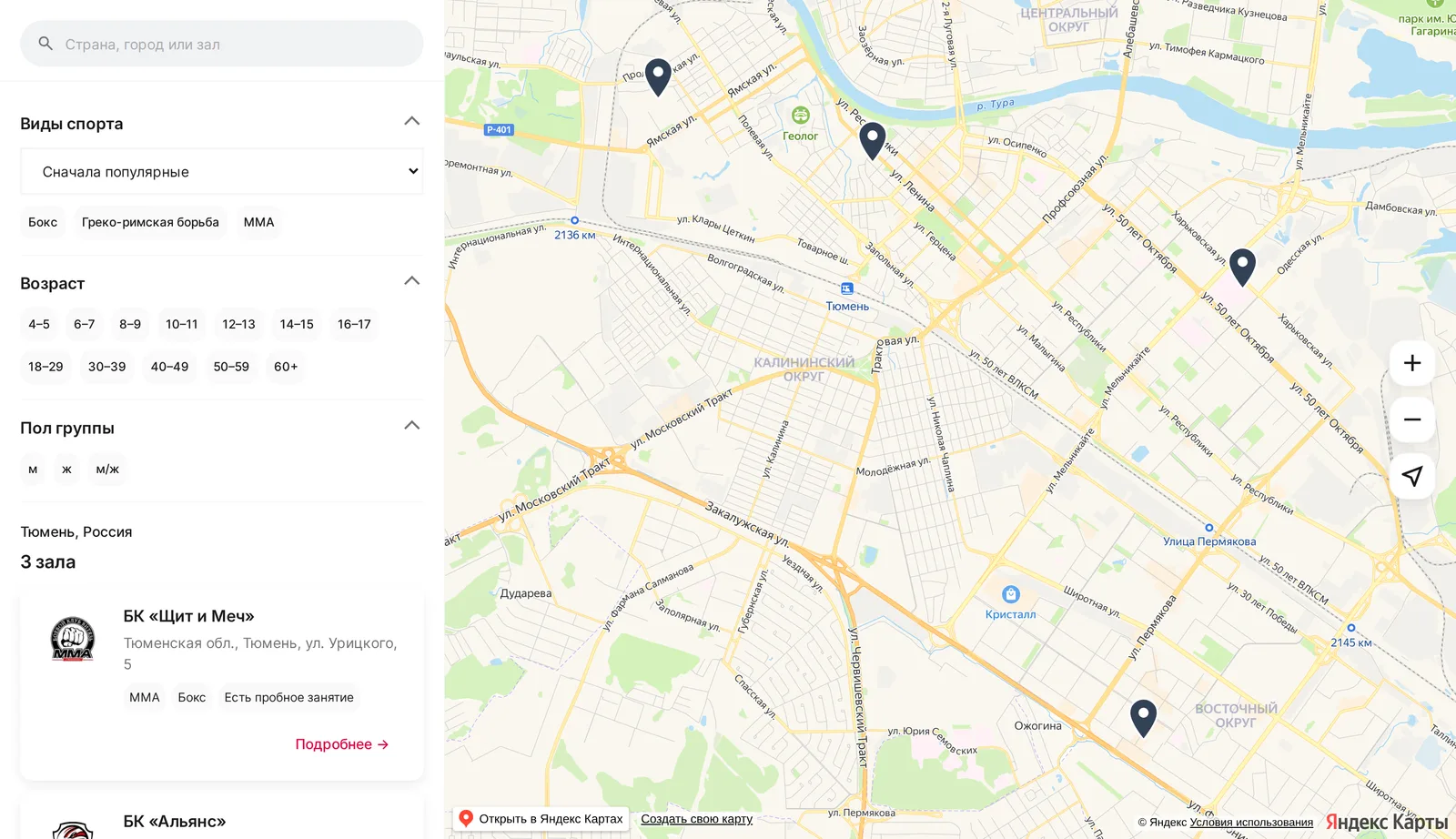
Put your club on the gym map
Parents and athletes look for a gym near home on the PROBOI gym map. Your club appears there automatically once the page is published, using the addresses from your dashboard.
Filters by city, sport, age and group gender
The card shows a trial session, the price and a link to the club page
Verified clubs are shown first
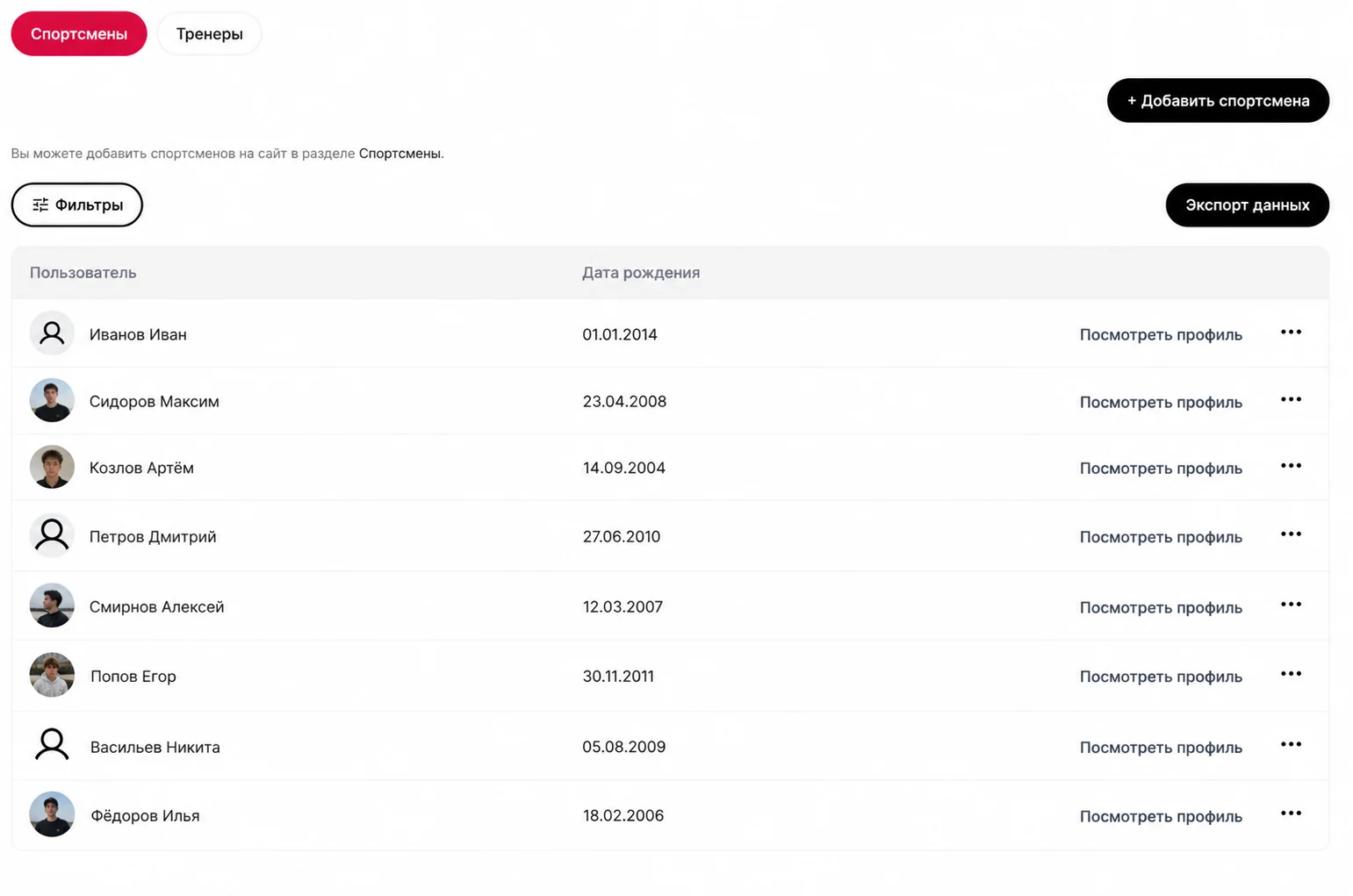
Link athletes and coaches to your club
Bring the club team together in one dashboard: owner, admins, moderators, coaches and athletes with clear access rights.
Find a person on PROBOI or send them an invite link
Coaches manage their own cards and see the schedule of their sessions
Athletes are added to the club registry and shown on the club page
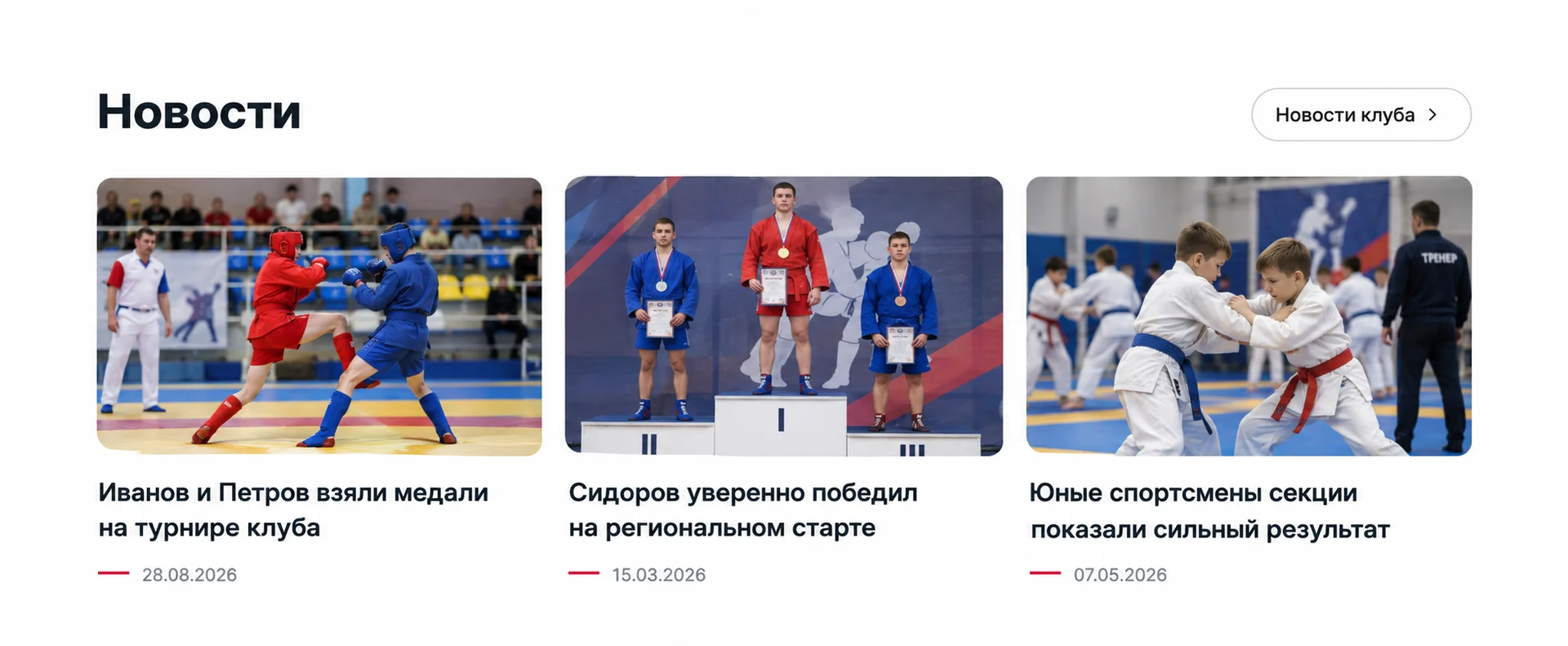
Start publishing gym news
Share your students' victories, group enrollment and training camps. News is published on the club page and appears in the PROBOI news feed.
Editor with photos and text formatting
Published after a quick moderation
Club news is indexed by search engines and brings new students
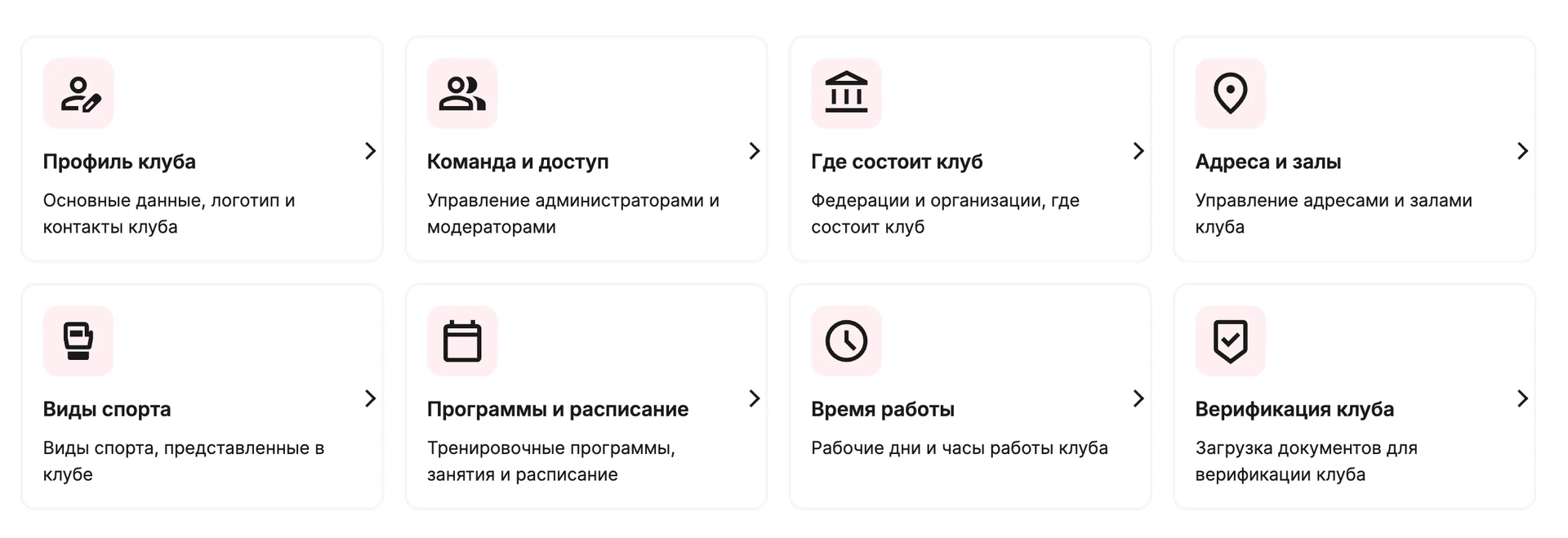
All club settings in one dashboard
Profile, team, addresses and halls, sports, programs and schedule, working hours, verification – all dashboard sections are gathered on one screen, and switching between your personal profile and the club takes one click.
Owner, admin, moderator and coach roles with different rights
Notifications about requests, page publication and team changes
Club chat and PROBOI support right in the messenger
What else the club dashboard can do
A few screens from the dashboard – every section is already working
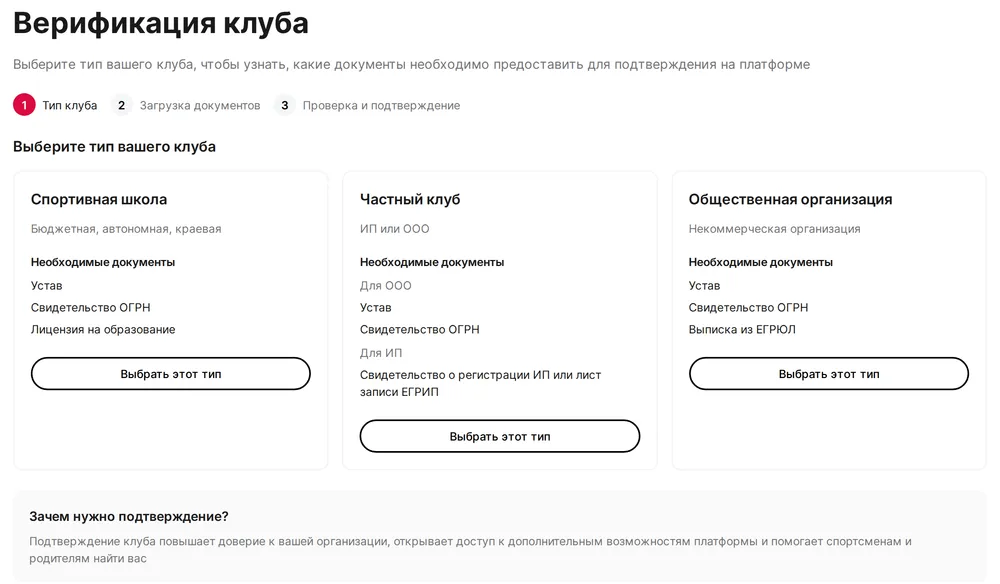
Club verification
Choose the club type, upload the founding documents and get the Verified club mark
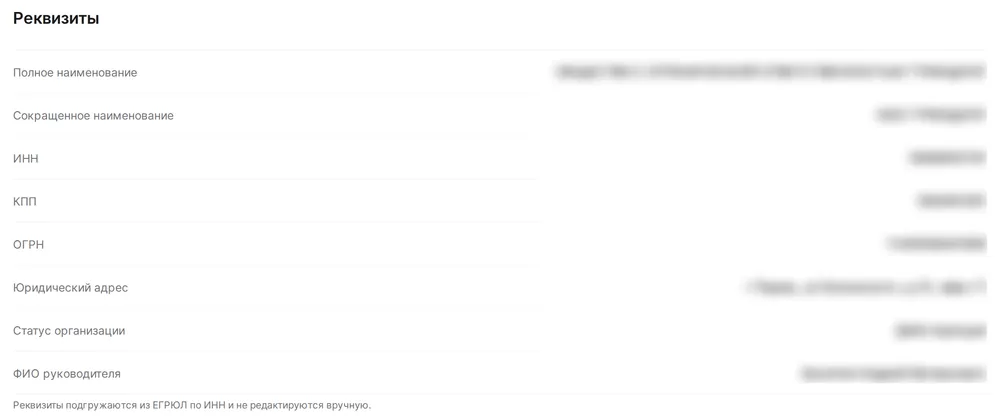
Details by tax ID
Name, tax ID, registration numbers and address are loaded from the state register, no manual input
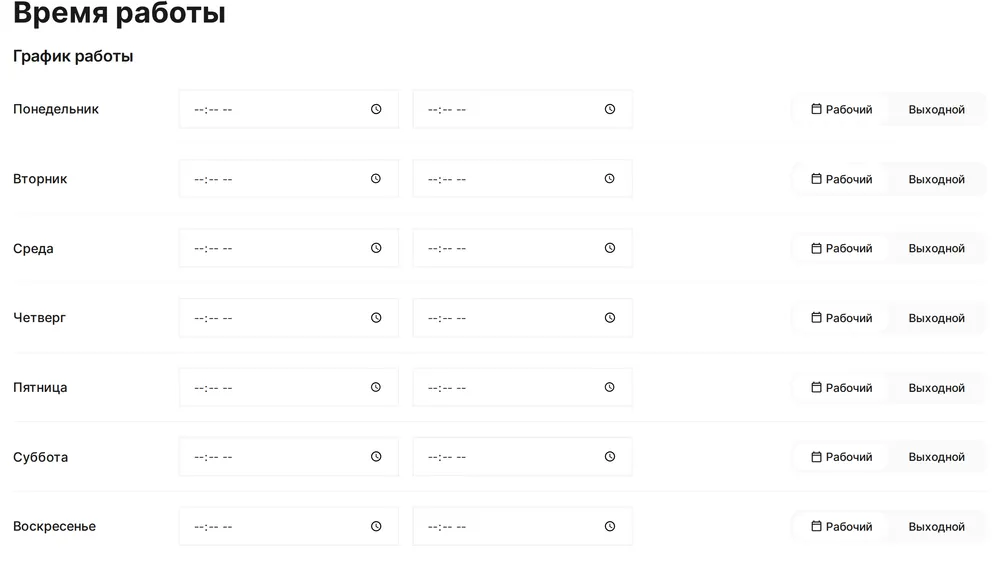
Working hours
A weekday schedule for the club page and the map card
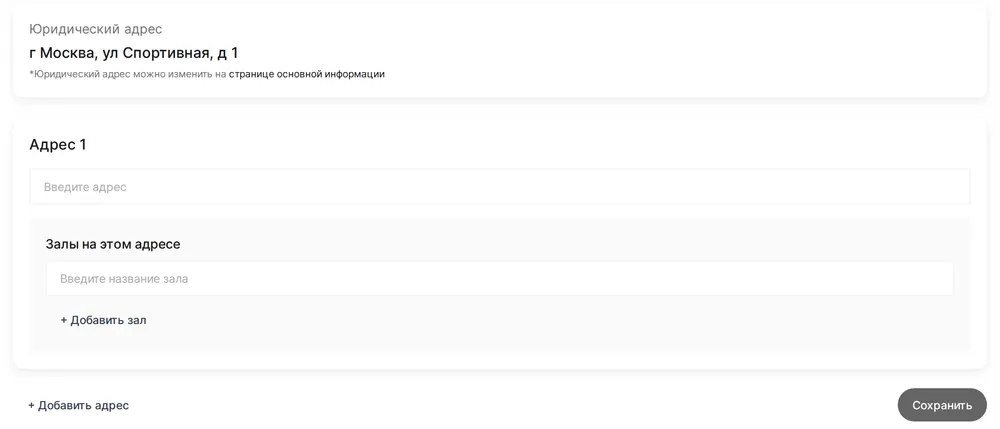
Addresses and halls
Several addresses with halls in each – the schedule is linked to a specific hall
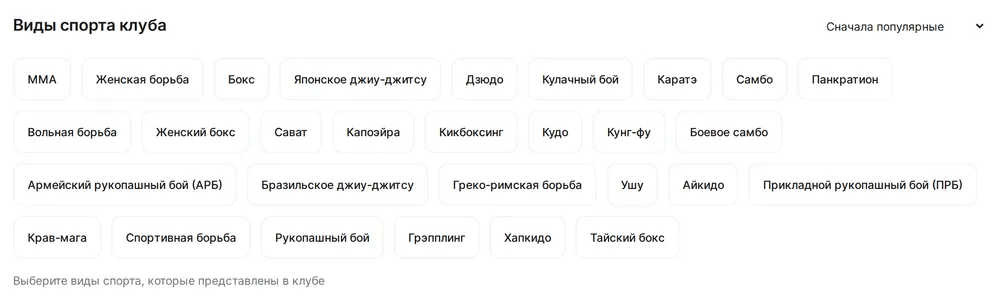
Sports
Mark the club disciplines – they are used in the map and catalog filters
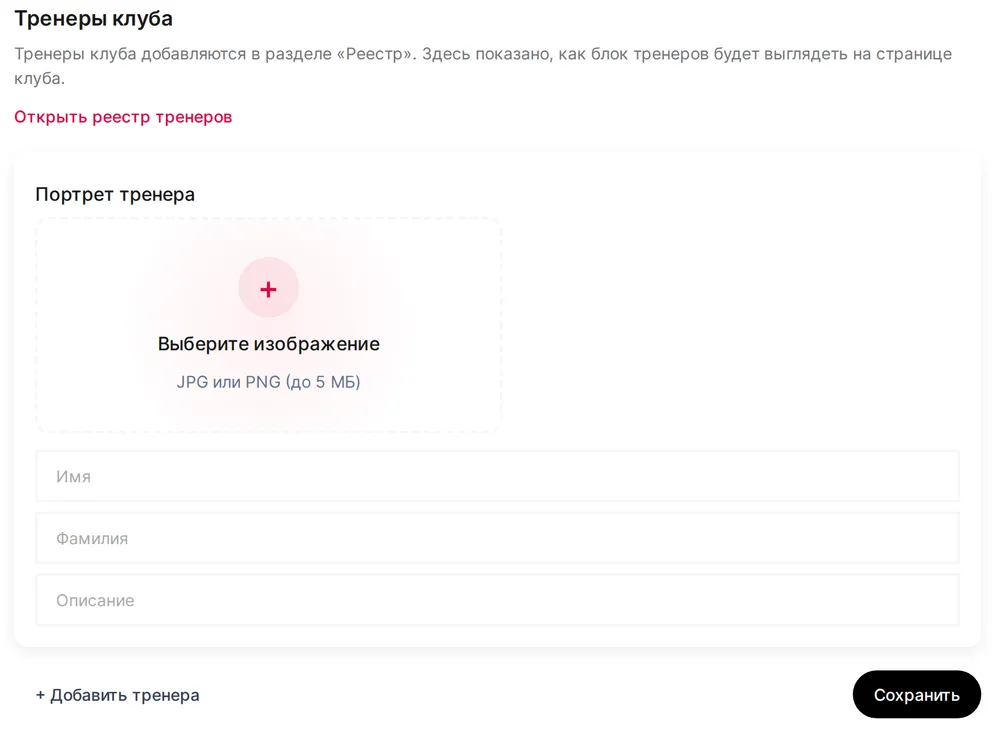
Coach cards
Portrait, name and description of a coach in a separate block on the club page
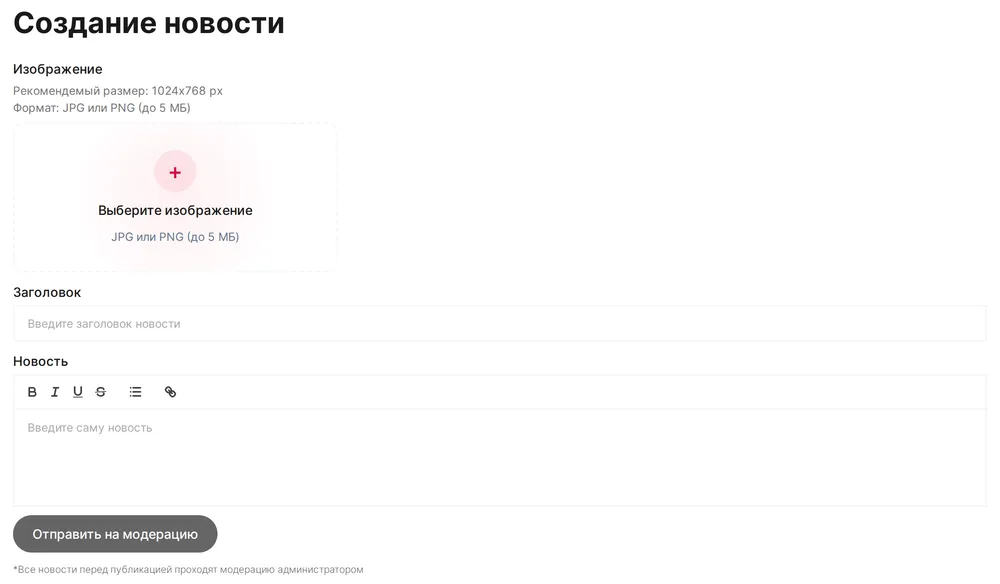
News editor
Title, photo and formatted text – the news goes to moderation in one click
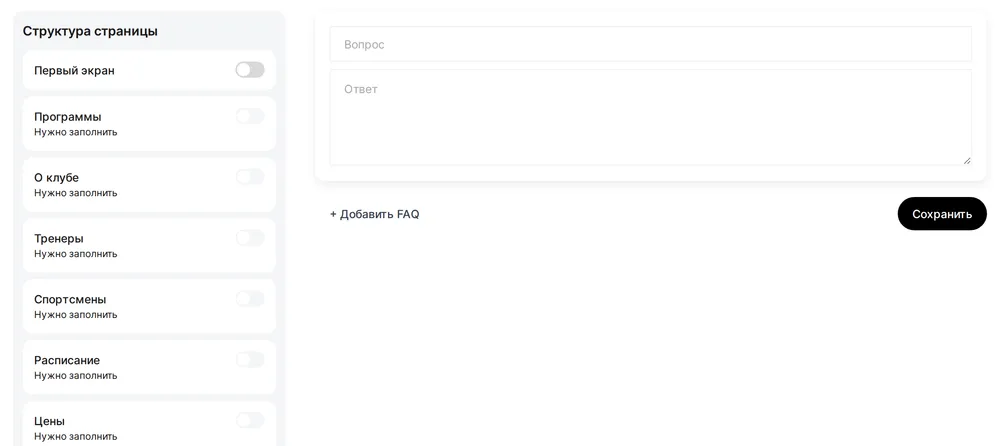
Your own FAQ
Answer frequent questions in advance so you get fewer calls about them
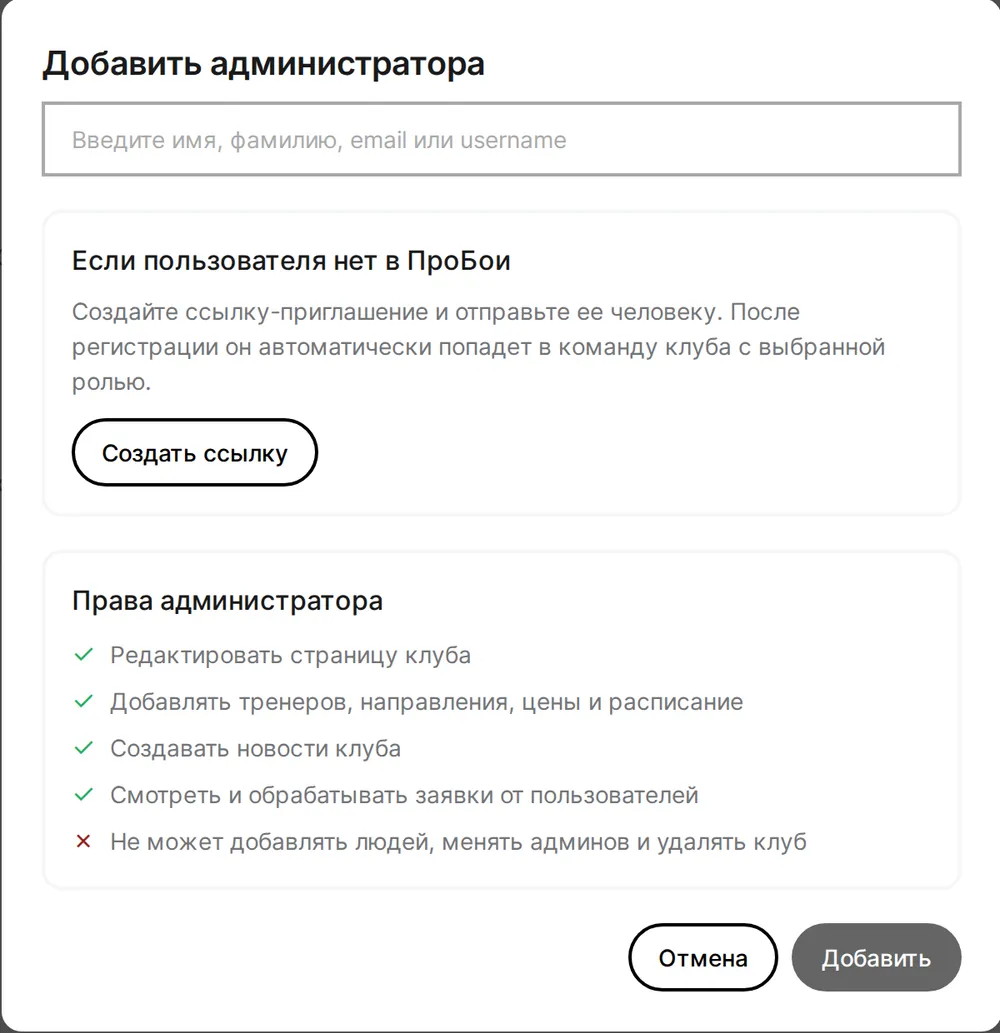
Roles and access rights
Admins, moderators and coaches with a clear list of what they can do
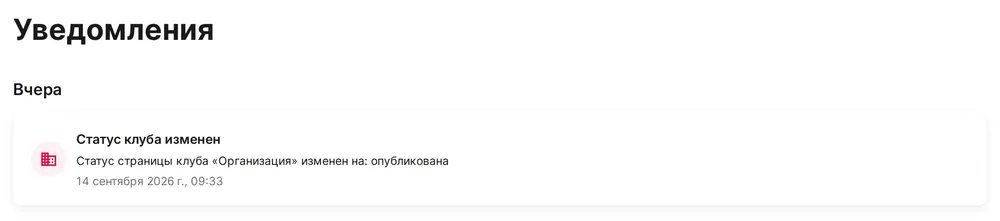
Notifications
Page publication, new requests and team changes in one list
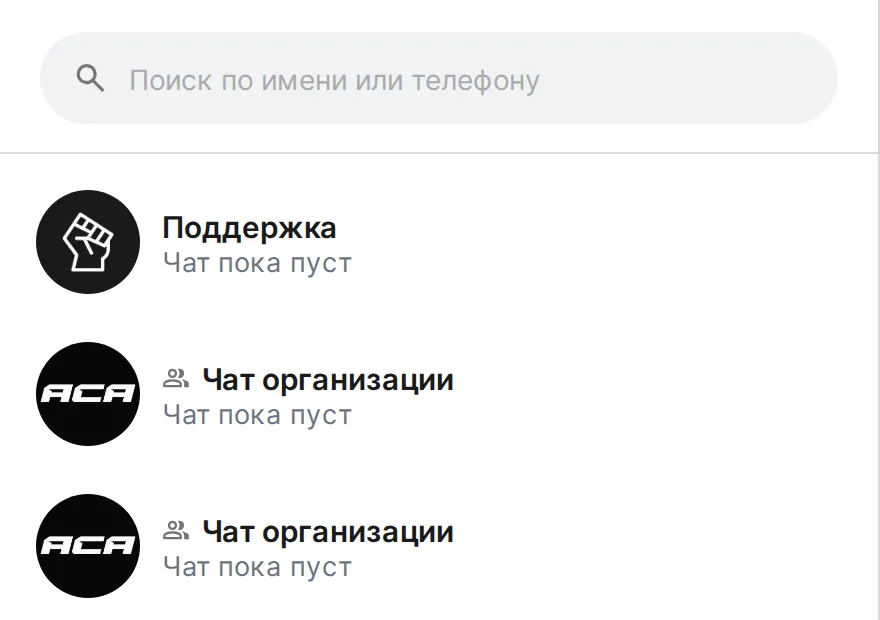
Club chat and support
Requests from the page arrive in the club chat, and questions to PROBOI go to the support chat
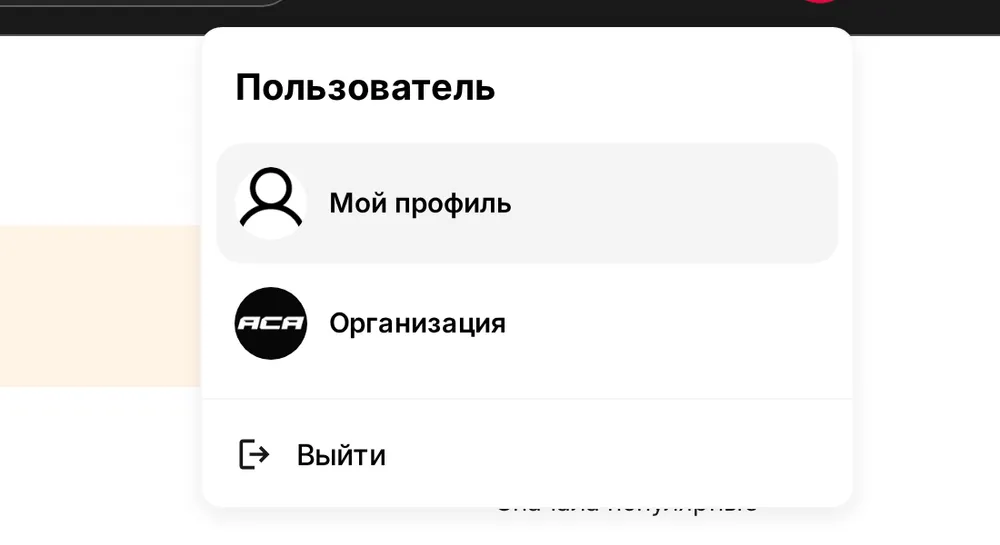
Account switching
Personal profile and club in one menu – switch in one click
Frequently asked questions
Who is the platform for?
For martial arts clubs, sections and gyms of any size: boxing, MMA, kickboxing, Muay Thai, wrestling, sambo, judo, karate and other disciplines. A club can be registered by a sports school, a company, a sole proprietor or a public organization.
How do I register a club and how long does it take?
Click Register a club and enter your tax ID – the organization details are filled in automatically. Then add the club name, address and contacts. It usually takes 5–10 minutes. After moderation the page is published, and the rest can be filled in gradually in the club dashboard.
My club is already on PROBOI, but I did not create it. What should I do?
Some club pages are created automatically from public data. Open the club page and click This is my club: choose your role, enter the tax ID and contacts. We will review the request within 2 working days and give you access to manage the page.
What will the club page include?
Logo and photos, description, sports, programs with prices and memberships, schedule, coaches and athletes, working hours, addresses with a map, news, FAQ and legal details. Once published, the club automatically appears on the gym map, where people search by city, sport and age.
How do I add coaches and athletes to the club?
The club dashboard has a team (owner, admins, moderators) and a registry of athletes and coaches. If a person is already registered on PROBOI, find them by name. If not, create an invite link: after signing up they will automatically join the club with the right role. Each role has its own rights: an admin edits the page and schedule, a moderator publishes news, a coach manages their own card.
How do students and parents contact the club?
The club page has Contact and Send request buttons. A request goes straight to the club dashboard: to notifications and to the club chat in the PROBOI messenger, while the club phone and social links are shown in the contacts block.
What does the Verified club status give?
Verified clubs are shown higher on the gym map and get a mark on the page. To verify the club, upload the founding documents in the club settings – the review takes up to 2 working days.
Any questions?
Write to us – we will help you register your club, fill in the page and connect your team
Quick reply during working hours
We will help you register the club
Tips on adding your team